
GUIDES
Your next adventure, explained
Learn how to record, customize, edit, and export GPS telemetry videos with RushCam.
GETTING STARTED
How to record a video with a speed overlay
Record in RushCam, choose a telemetry design, and export a video that shows the speed behind the action.
Read the guideON THE MOUNTAIN
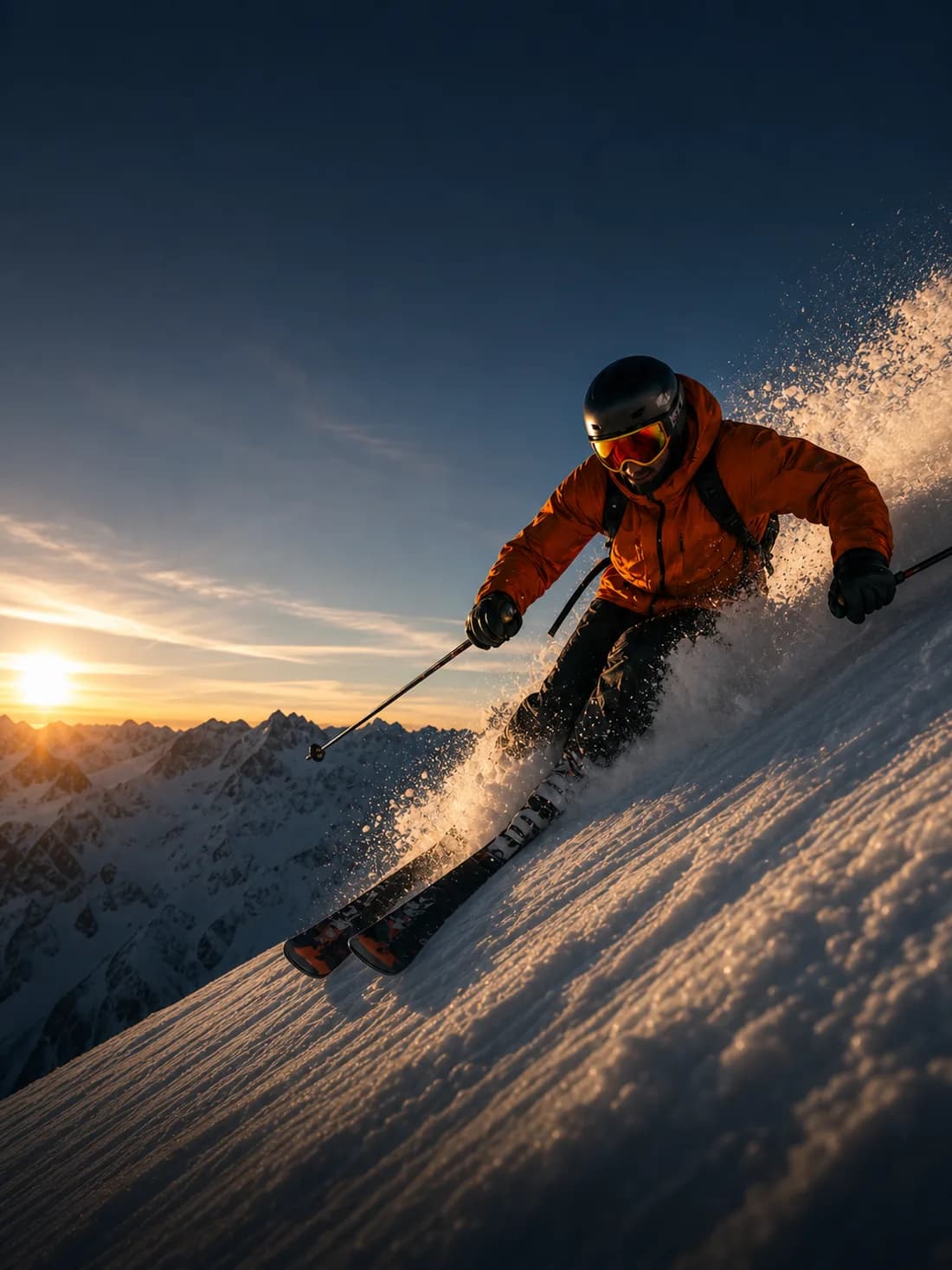
Create a skiing video with speed and altitude
A simple workflow for giving your next descent a little more context.
Read the guide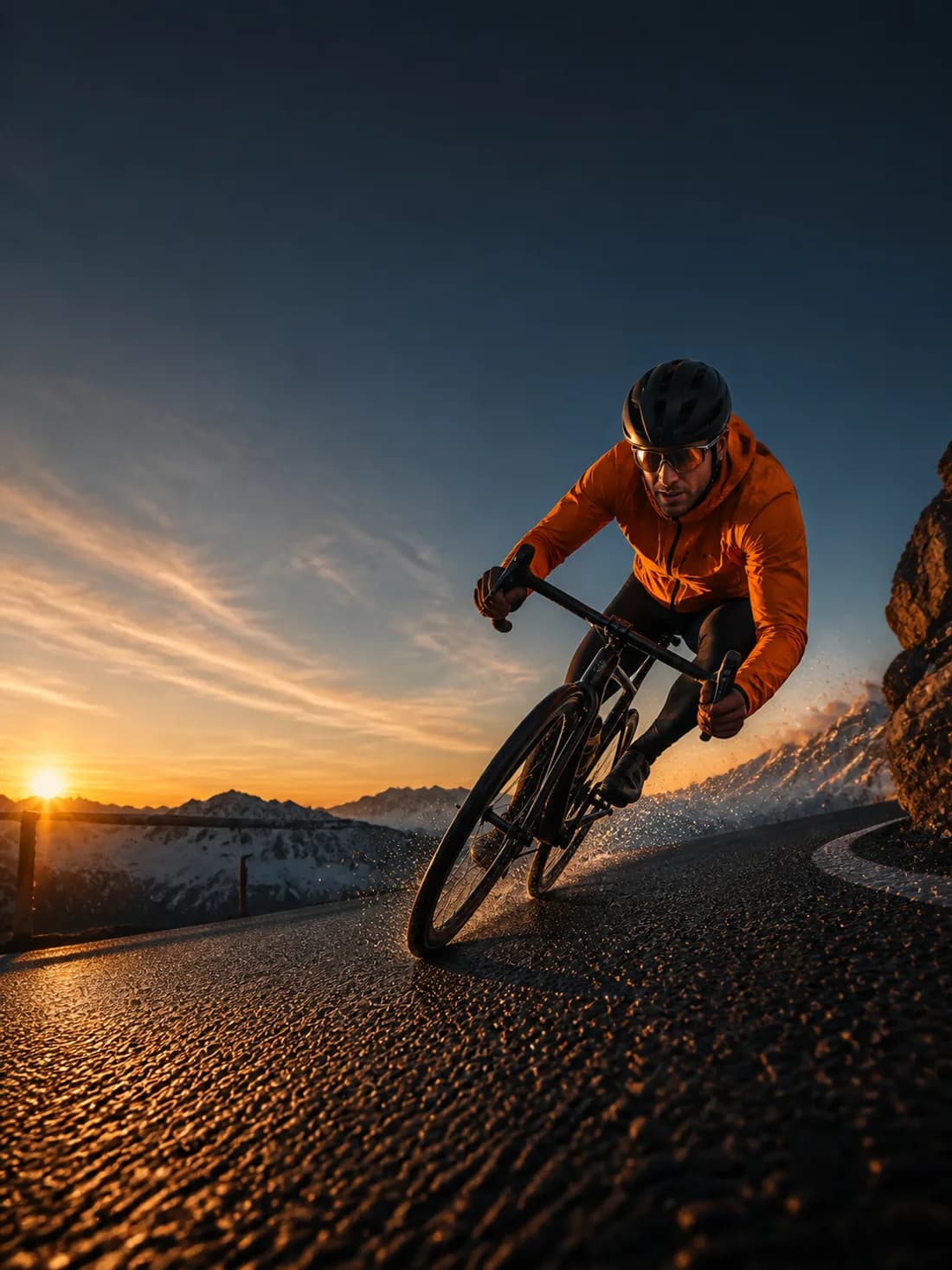
RECORDING TIPS
Getting better GPS data in your recordings
Understand signal readiness, changing conditions, and what your speed overlay can tell you.
Read the guide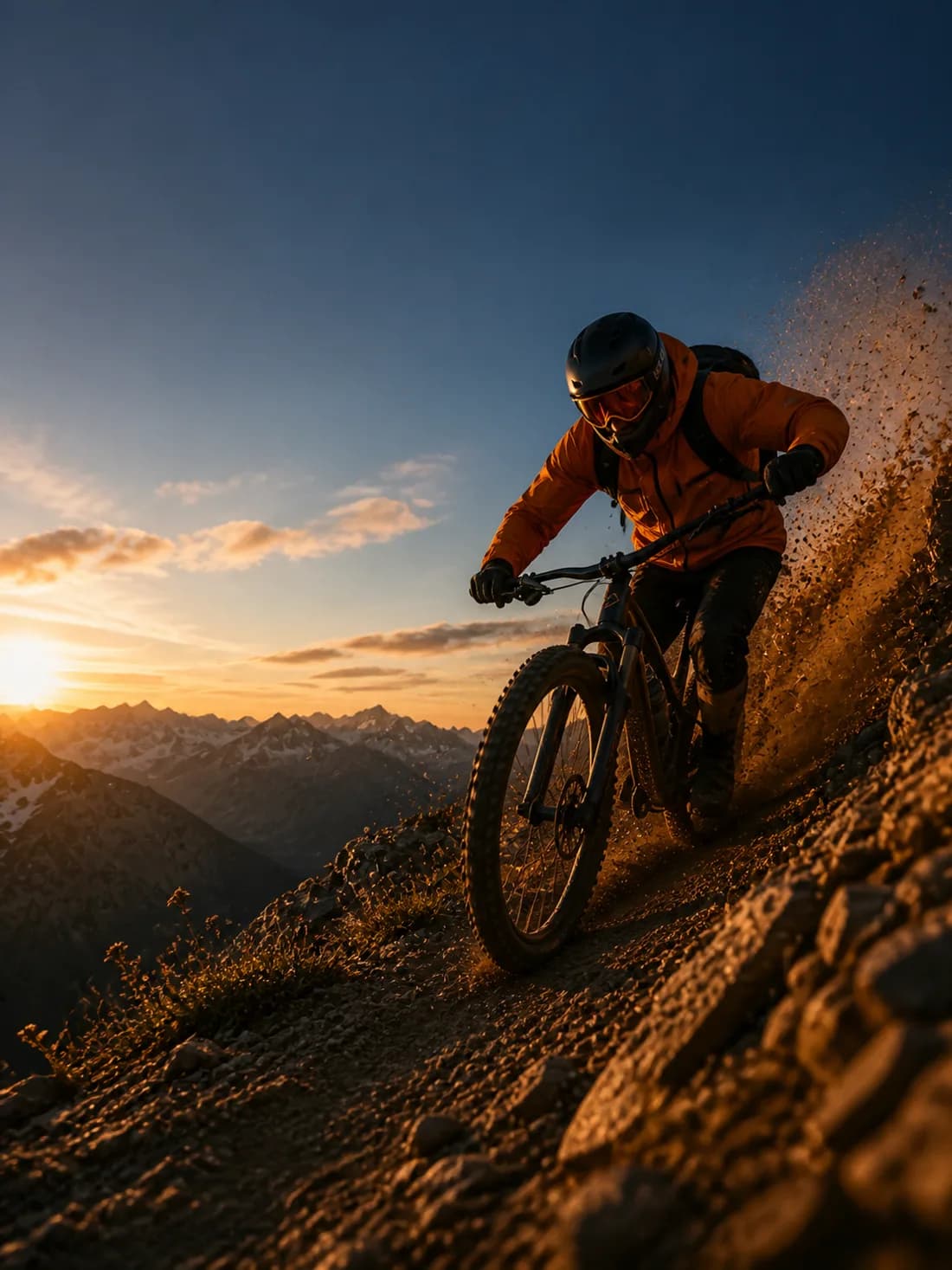
EDITING & EXPORT
Trim, export, and share your adventure
Finish your recording with the right trim, overlay, and export settings.
Read the guideYOUR NEXT ADVENTURE IS WAITING
Bring the data. Keep the feeling.
Make your next adventure a RushCam story.